
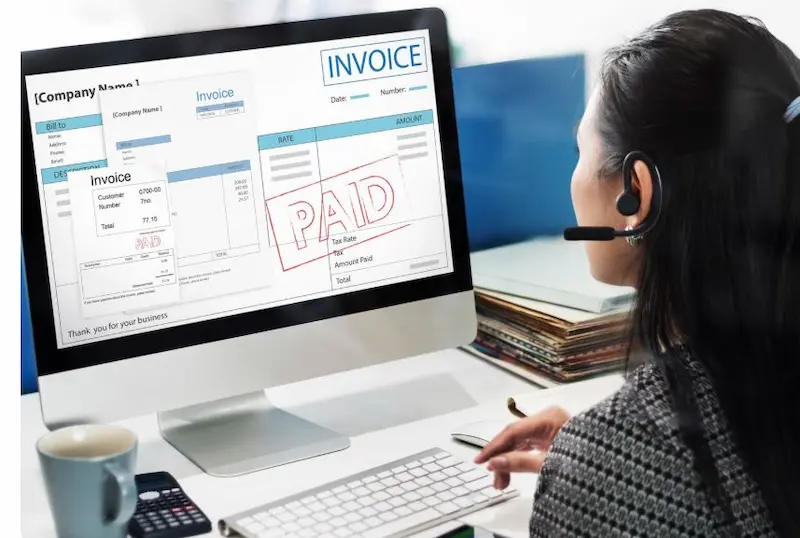
Here’s a clear, beginner-friendly step-by-step guide to basic invoicing that works whether you’re a freelancer, small business owner, or contractor.
Add Your Business Information
At the top of the invoice, include:
- Your business name (or your full name if sole proprietor)
- Address
- Phone number
- Email address
- Website (optional)
- Tax ID / VAT number (if applicable)
This identifies who is requesting payment.
Add Client Information
Include your client’s:
- Name or business name
- Address
- Contact person (if applicable)
- Email and/or phone number
This ensures the invoice reaches the right person and department.
Create an Invoice Number
Each invoice should have a unique number for tracking.
Example formats:
- 001, 002, 003
- 2026-001
- INV-1001
Keep it consistent and sequential.
Add Invoice Date & Due Date
- Invoice Date: The date you issue the invoice
- Due Date: When payment is expected (e.g., “Due in 14 days” or a specific date)
Example:
- Invoice Date: February 11, 2026
- Due Date: February 25, 2026
Describe the Products or Services
Create a table with:
| Description | Quantity | Rate | Amount |
Example:
| Website Design | 10 hours | $50/hour | $500 |
| Hosting Setup | 1 | $100 | $100 |
Be clear and specific so there are no disputes.
Calculate Subtotal
Add all line item amounts together.
Example:
$500 + $100 = $600 Subtotal
Add Taxes (If Applicable)
If you charge sales tax or VAT:
Subtotal: $600
Sales Tax (10%): $60
Calculate Total Amount Due
Subtotal + Tax = Total
$600 + $60 = $660 Total Due
Make the total bold or clearly visible.
Add Payment Terms & Methods
Clearly state:
- Payment methods accepted (bank transfer, PayPal, credit card, etc.)
- Bank details (if applicable)
- Late payment terms (e.g., “2% late fee after 30 days”)
Example:
Payment due within 14 days. Bank transfer preferred. Late payments subject to 2% monthly fee.
Add Notes (Optional but Helpful)
You can include:
- Thank-you message
- Project reference
- Contract reference
- Refund or return policy
Example:
Thank you for your business. We appreciate your prompt payment.
what is a cost invoice
A cost invoice is a document that lists and requests payment for expenses or costs incurred while providing a product or service. If you’re wondering what a cost invoice is, it is typically used to charge a client for specific costs such as materials, labor, transportation, or other project-related expenses. A cost invoice clearly outlines each expense, the amount charged, and the total amount due, ensuring transparency between the seller and the buyer.